

WEBFLOW AGENCY FOR GROWING COMPANIES
SEOS Design is a Stockholm-based Webflow agency that builds, migrates and develops Webflow websites. You can hire us as Webflow developers for a new build or a migration, or as a Webflow consultant for a second opinion. We build so that your marketing team can run the website itself afterwards, with a component library, a well-planned CMS structure and technical SEO from the start.
What is included
- Webflow websites
- Figma to Webflow
- Migration to Webflow
- Component library & CMS structure
- Technical SEO from the start
- Consulting & reviews
- Training for your team
Long partnerships
Webflow development in everything from finance to medtech
4–6 weeks
Typical project time from brief to launched website
Multilingual SEO
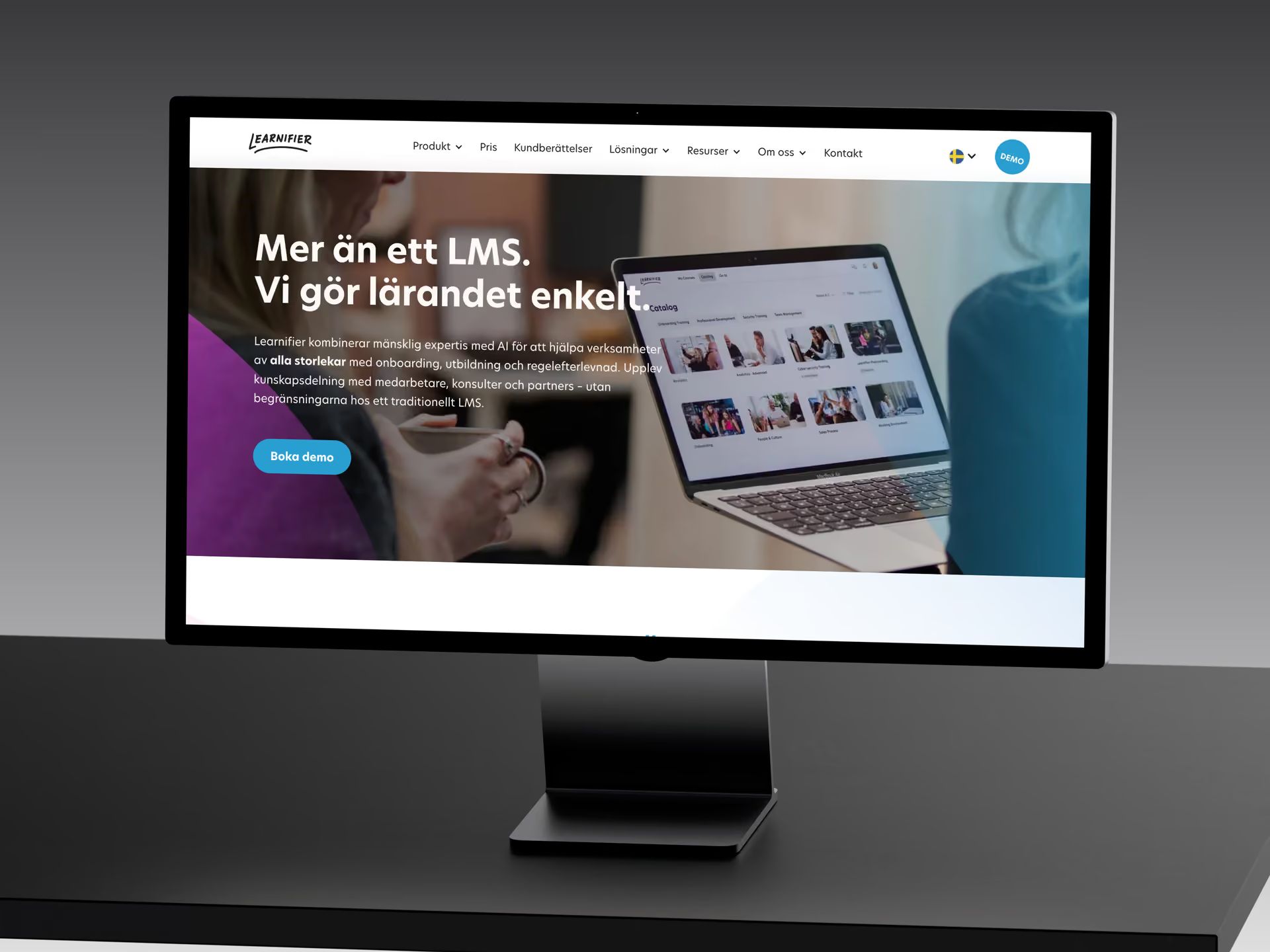
Learnifier – four markets in one Webflow CMS, better rankings and deals that started in AI assistants
Webflow development in brief
- Suits companies where the marketing team should be able to publish, build pages and adjust content itself, without needing a developer.
- You get a style guide, well-structured classes, a component library, a CMS structure planned for growth and a solid technical SEO foundation from the start – not added afterwards.
- A fixed price before we start, and usually 4–6 weeks from brief to launch. We build from scratch, build from Figma and migrate from WordPress, Squarespace and Wix.
- The project is transferred to your own Webflow account – you own the website, not us. Support after launch is optional and has no lock-in.
- Webflow is one of our two build tracks for marketing websites. If performance or integrations matter most, we often recommend a coded website with a headless CMS instead – the choice is yours.
THE WHOLE WEBFLOW JOURNEY FROM BUILD TO ONGOING DEVELOPMENT
Webflow is one of the two build tracks for marketing websites in our web development service – often the right one when self-service for the marketing team matters most. Design, CMS and hosting sit in one system, so the team can publish, build new pages and adjust content without waiting for a developer.
That only works if the website is built for it: a style guide with variables for colours, fonts and spacing, well-structured classes with clear names, a component library that keeps the design consistent, a CMS model planned for how the content will grow, and a technical foundation that meets SEO requirements. With that in place, the team can build new pages without the design drifting, and another Webflow developer can pick up the website without starting over. That is the order we work in – whether you are building from scratch, bringing a finished Figma design or moving from another platform.
FROM NEEDS TO A WEBSITE YOU CAN RUN YOURSELVES
SEOS Design's ability to turn our ideas into a modern, fast and high-converting website has made a real difference. Their ongoing SEO and AEO work has also been invaluable for our organic visibility and traffic.
 Isabelle SchoriHead of Marketing, LearnifierTranslated from Swedish
Needs and choice of platform
On a free call, we map out what the website needs to do, who will update it and which integrations are required. Only then do we give our recommendation – Webflow, or a coded website with a headless CMS if the needs point that way. The choice is yours, and you get a fixed price before anything is built.
Structure, design and CMS model
Page structure, URL plan and CMS collections are defined before the build starts. If you come with a finished Figma design, we review the file and plan the dynamic content. If there is no design, we create a unique one based on your brand guidelines – and if you do not have those either, we help with them – and you approve a clickable prototype before the build starts.
Build in Webflow
We build the component library, pages and CMS on a solid technical SEO foundation. In a migration, content and metadata are moved across and every old URL gets a 301 redirect. Performance is checked against Core Web Vitals before launch. We do not move on to the next step until both you and we are completely happy with the result.
Launch, training and handover
We help you point the domain, set up hosting and publish, and the project is transferred to your own Webflow account. If you wish, we set up tracking and train your team in the editor. Support from us after that is optional – per assignment or on an ongoing basis, for maintenance, further development and SEO, with no lock-in, of course.
What does a Webflow website cost?
fixed price before we start
The price is set by what your website actually needs. Below you will find price indications and examples of websites at each level.
With Webflow, the price depends on how much strategy and structure needs working out before the build, how many page templates and CMS collections the website needs, whether you bring a finished design or we design from scratch, whether the website needs several languages, which integrations are required and how much you want to invest in SEO. After launch, there is Webflow's platform fee plus whatever support you choose. To compare the cost of building and owning the website over three years, use the calculator for what a website costs to build and own. You get a fixed price before anything is built – request a quote here.
Always included – whatever the level
Every website we build, whatever the price, is built on strategy, has a custom design and meets the same technical standard.
- Strategy before design
- Custom design
- Always a solid SEO foundation
- You own the account, the code and the content
01
Landing page or small website
SEK 25,000–45,000 (≈ €2,200–4,000)
A landing page, a campaign page or a small website where the brand identity and copy already exist.
SEK 25,000–45,000 (≈ €2,200–4,000)
Landing page or small website
Examples that tend to land here
- A landing page for a campaign or a service.
- A small website on your existing visual identity, with your own copy and images.
02
Website on an existing strategic foundation
SEK 50,000–85,000 (≈ €4,500–7,600)
A complete website when the logo, direction and message are there to build on.
SEK 50,000–85,000 (≈ €4,500–7,600)
Website on an existing strategic foundation
Examples that tend to land here
- A normal-sized website with a blog or case studies: page structure, custom design, build and an SEO and AEO foundation.
- A small website where we start from scratch – message, structure and material developed together with you.
03
Website with strategy and content
SEK 90,000–135,000 (≈ €8,000–12,000)
When the message, the copy or an SEO effort needs to be done before the build.
SEK 90,000–135,000 (≈ €8,000–12,000)
Website with strategy and content
Examples that tend to land here
- A mid-sized website with strong branding, plus a one-off SEO effort: keyword research, page structure and copy.
- A website where the message and tone of voice are developed in a workshop with several stakeholders on your side, before anything is designed.
04
Larger or more complex website
From SEK 140,000 (≈ €12,500)
Large websites, several languages, custom integrations or a rebuild where the search visibility has to come along.
From SEK 140,000 (≈ €12,500)
Larger or more complex website
Examples that tend to land here
- A rebuild of a larger website that ranks: URL mapping, redirects and a new search strategy.
- A multilingual website, or integrations with your own systems.
Every level can include strategy, copy, SEO and migration. A small website where we start from scratch can cost more than a larger one where the groundwork exists – it is the scope that decides, not the size. Prices exclude VAT; the euro figures are approximate.
What affects the price of a website?
Ten things, and all of them can be answered in a first call.
- The starting point – do the logo, message and copy exist – or are we starting from scratch?
- Strategy – how much help you need with positioning, message and structure before anything is designed.
- Number of page templates – not the number of pages. Five pages on one template is less work than five templates.
- Copy – how much we write, compared with what you supply.
- Design – following your existing identity, or developing it – and whether images, illustrations or animations need to be produced.
- SEO and AEO – the technical foundation is always included. An SEO effort with keyword research, SEO copy and schema markup is an add-on you choose.
- Languages – one, or several from the start.
- Integrations – with a CRM, a booking system or your own systems.
- Migration – twenty URLs to move, or a hundred and sixty.
- Build track – Webflow or a coded website with a headless CMS.
Describe what you need in an enquiry, or book a first call with us – we will get back to you quickly with a fixed price, before anything is built.
Your own team can run the website easily, by hand in the CMS or with AI. If you want ongoing help, we are there, with no lock-in period.
Selected projects



Common questions about Webflow development
Building a new website in Webflow – what is included?
If you are building a new company website in Webflow, three parts determine the result: a component library with a style guide and well-structured classes that keep the design consistent, a CMS structure planned for how the content will grow, and a solid technical foundation for SEO. Those three decide whether the website can be built on or has to be redone after a couple of years.
The component library is what lets a marketing team build new pages without the design slipping. The CMS structure determines how the blog, case studies, services and language versions fit together – and it should be planned before the build starts, not pieced together from a design file afterwards. The technical foundation covers semantic HTML, a sitemap, a clean URL structure and Core Web Vitals that hold up as pages and images are added.
- Component library and design system in Webflow, built for reuse
- CMS collections and fields planned around how you will actually publish
- Technical SEO from the start: metadata, sitemap and URL structure
- Performance measured against Core Web Vitals before launch
- Training so that your team can publish on its own from day one
A project usually takes 4–6 weeks from brief to launch. If you need to go live faster, we can do a fast-track launch in 2–3 weeks with a limited scope and frequent check-ins. A simple landing page is quicker; a multilingual website with integrations takes longer – it is structure and decisions that set the pace, rarely the technology. Pricing follows the same levels as all our websites; what affects it is described on the page about a new company website.
Webflow and SEO – what is included in the technical foundation?
Webflow gives you clean HTML, control over metadata and schema markup, and a predictable level of performance – but the platform does not rank by itself. What makes the difference is the structure: which pages exist, how they link to each other and whether the content answers what the buyer actually asks. We build that structure into the CMS model from the start instead of adding SEO afterwards.
The same structure makes the content readable to AI assistants, which is the foundation of AEO. For Learnifier, we built the website in Webflow in four languages and have run ongoing SEO and AEO work on that foundation ever since. If you want help with ongoing work after launch, there is our SEO service – the Webflow build is the foundation it rests on.
Is SEO included when you build in Webflow?
A solid technical SEO foundation is always included: semantic structure, metadata, sitemap, a clean URL structure and performance measured against Core Web Vitals. What you can add is the work on top of that foundation – keyword research, a page structure built around the keywords, SEO copy and schema markup, ideally alongside the build – and ongoing content and AEO work afterwards through our SEO service. We make clear what belongs where before you order.
When is Webflow not the right platform?
We start from your needs. Webflow is often the right fit when self-service for the marketing team matters most, and a coded website with a headless CMS when performance, custom integrations or a scalable data model matter more. The choice is yours – we make a recommendation once we know more about your needs.
We usually recommend a coded website when the content needs to be served to several channels, when the website needs to pull data from your own systems, or when you want to own the front-end code completely. That track is described on the page about our headless CMS agency. For e-commerce, we recommend Shopify in most cases; Webflow Commerce is enough for simpler shops, but if your product range and processes are growing, Shopify is often the right foundation. If you are choosing between Webflow and WordPress, we set out how the platforms differ in day-to-day running, maintenance and SEO in the Webflow vs WordPress comparison.
Webflow or WordPress – which should we choose?
It depends on your needs. Webflow often fits when the marketing team will own publishing, SEO is central and you want to avoid plugin maintenance. WordPress often fits when you need advanced back-end flows or custom logic, or already have a strong in-house WordPress team. The more marketing-driven the company, the more the choice tends to lean towards Webflow. Send us your current website address, your growth targets and key integrations, and we will give you a concrete recommendation.
From Figma to Webflow – how does the handover work?
If you have a finished design in Figma, we build it in Webflow with the right component structure, responsive behaviour for every breakpoint and a CMS model for the content that only appears as sample cards in the design file. Webflow's plugin copies frames, but it does not interpret the design – and it is the interpretation that decides whether the website can be maintained.
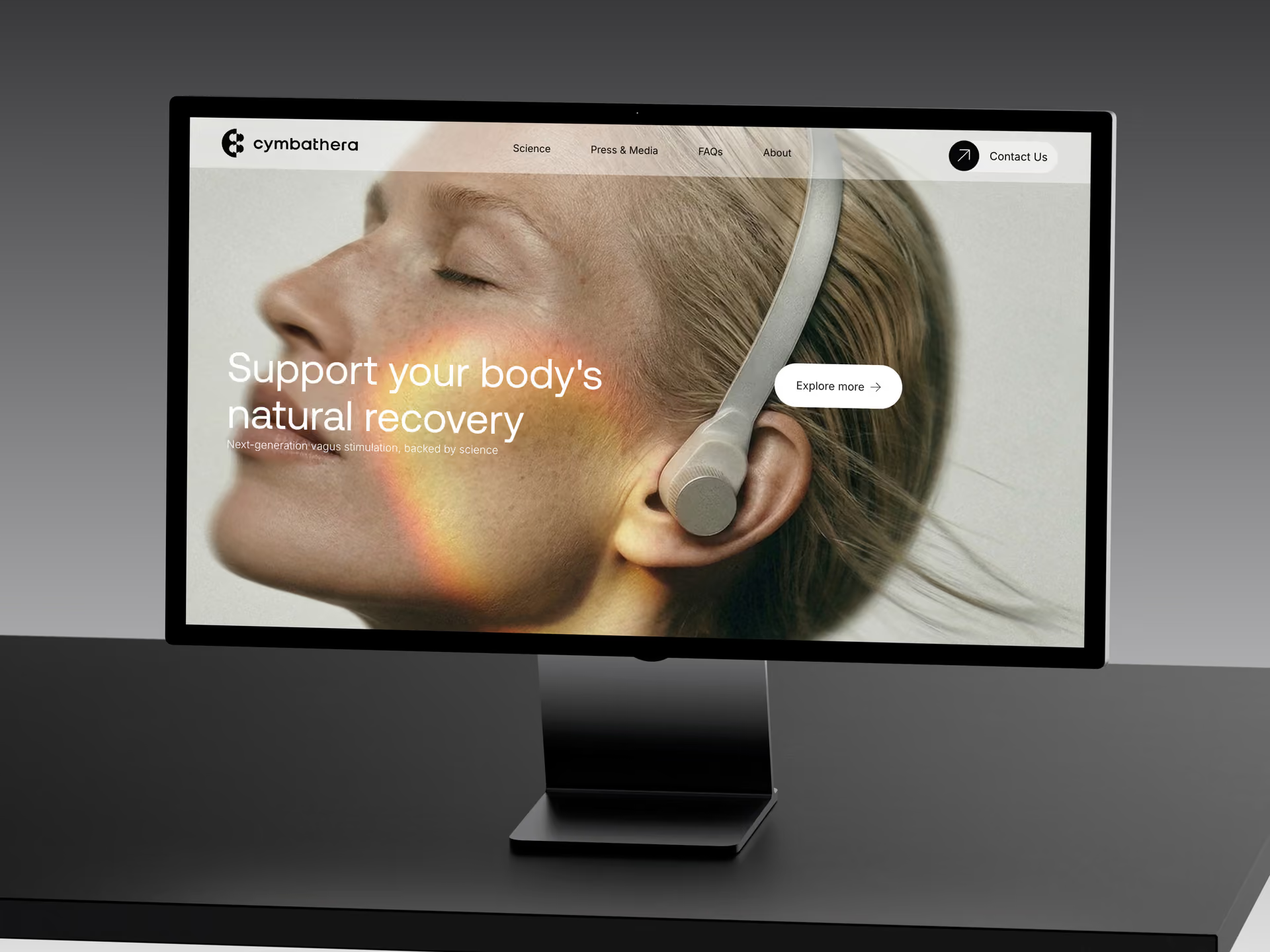
Classes and components may already be well named in Figma, but the file usually cannot be built exactly as it stands. So we go through it before the build, tell you what needs adding, and then use it as a visual reference while building cleanly in Webflow – with a style guide, well-structured classes, reusable components and interactions that have a purpose. It takes a little longer than a plugin import, but gives you a website without built-in problems that cost you later. If you have an in-house designer but no Webflow developer, that is exactly the division of labour we are used to. Cymbathera is an example: the project started from a finished design that was to be built exactly as drawn. What the file needs to have in place, how long the build takes and what it costs are covered in the guide to Figma to Webflow.
How do we migrate to Webflow without losing rankings?
Moving from WordPress, Squarespace or Wix to Webflow does not have to cost you rankings – provided the URL mapping is done before the build starts. We list every existing URL, decide which page in the new structure takes over from each old one, and set up a 301 redirect for every URL that moves.
The order matters. Content, metadata and internal links are moved across first. Then the new website is checked against the old one: every page with organic traffic must have a counterpart, structured data must come across and performance must be better than before, not worse. At launch, a new sitemap is submitted in Search Console, and we monitor indexing for the first few weeks.
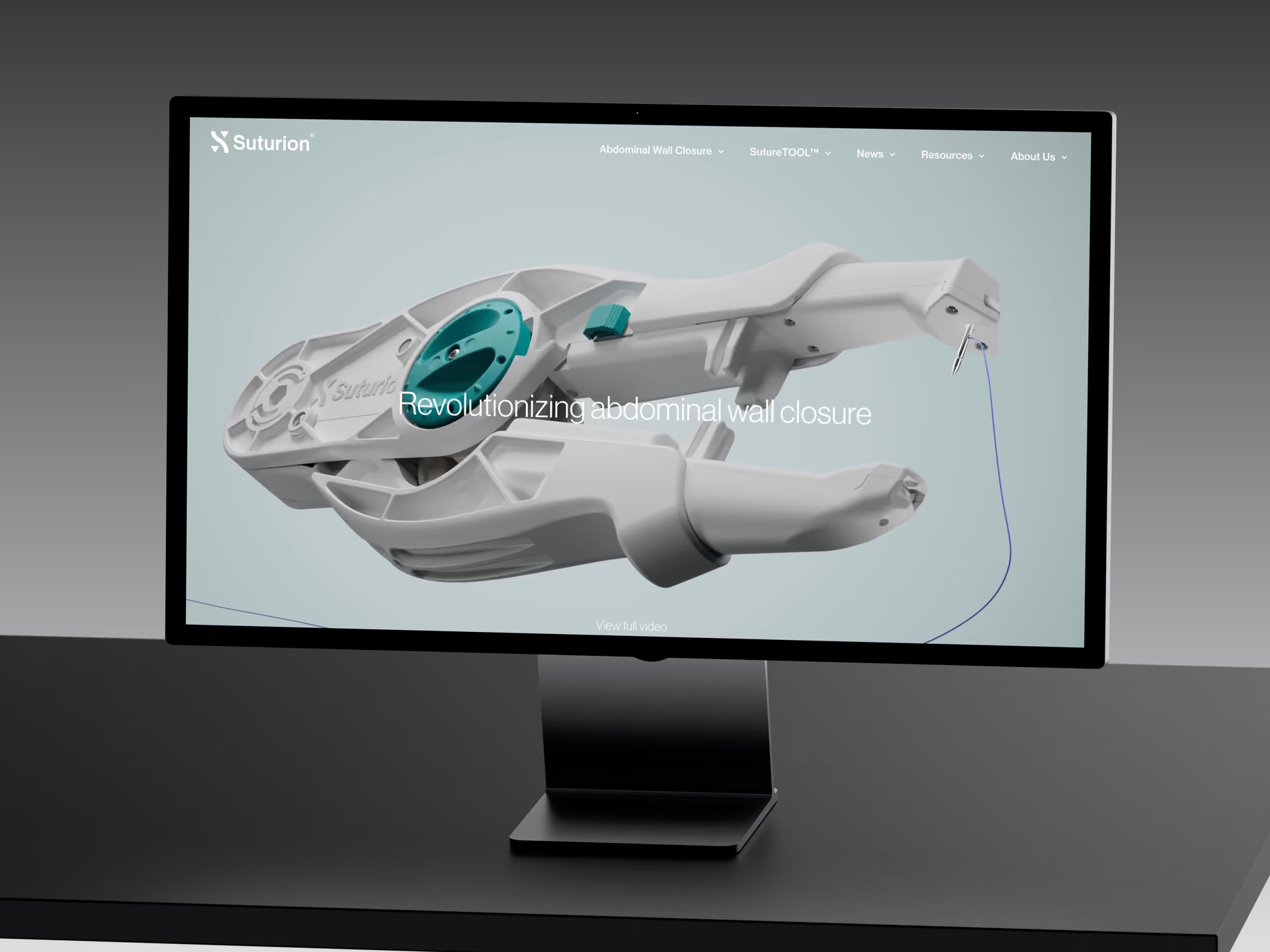
For Suturion, the partnership began with exactly that: a move from WordPress to Webflow, to simplify maintenance and make it possible to change and improve things faster. Since 2024 it has continued with ongoing development and SEO – an example of a migration being the start, not the end.
What is included in Webflow maintenance, support and ongoing development?
After launch, your marketing team should be able to run the website itself: publish, build new pages and adjust content without waiting for a developer. That is Webflow's great strength, and it is why we build self-service into the structure rather than leaving you dependent on us. You do not need an agreement with us to publish and build pages.
Where you may need help is with everything outside the editor: new section types, integrations, performance that has to hold up as the website grows, and structural changes when your offer changes. We help with that whenever you want – per assignment or on an ongoing basis, with no lock-in. If you want to build more types of pages entirely on your own, we offer an extended component library as an add-on: a page builder kit with ready-made sections that you assemble into new landing pages, campaign pages and service pages directly in Webflow's editor.
- Support and further development per assignment or ongoing, with no lock-in
- Performance monitoring so that Core Web Vitals hold up over time
- New sections, templates and integrations when needs change
- Extended component library (page builder kit) as an add-on for full self-service
Can we hire you as a Webflow developer or Webflow consultant – for advice, reviews and ongoing help?
You can hire us as Webflow developers for a defined job or as a Webflow consultant for advice – it does not have to turn into a whole project. If you already have a Webflow website, built in-house, by a freelancer or by another agency, we can review it before you decide whether to develop it further or rebuild it. We go through class structure, CMS set-up, performance and the SEO foundation, and give you a recommendation you can act on with us or with someone else.
What we most often find on websites that come to us later is inconsistent design, layouts that cannot scale and an SEO structure that needs redrawing. That is cheaper to fix early than after two years of additions. Consulting also works as a second opinion: on a quote you have received, a platform choice you are facing or a design that is about to be built in Webflow. A first meeting with initial advice is always free, and if you need more than that, you buy the consulting as a defined piece of work, with no commitment to a project. What to look for when comparing agencies is described in the section on what separates a good Webflow agency.
Are you a Webflow agency in Stockholm – and do you work with companies elsewhere?
We are based on Södermalm in Stockholm and are happy to meet clients in person for the kick-off and major check-ins. The rest of the project runs online, with the same check-ins wherever you are – most Webflow projects are delivered entirely remotely. If you want help with visibility after launch, locally or nationally, there is our SEO service.
Can we update the website ourselves afterwards?
Yes, that is the whole point of Webflow. You publish, edit content and build new pages from the component library in Webflow's editor without needing to code. We train your team at launch. If you need more page types than the base build gives you, an extended page builder kit is available as an add-on, and we help with anything outside the editor – integrations and structural changes – whenever you want.
What is the difference between your web design, web development and Webflow services?
Web design is UX, UI and the visual side – how the website should look and work. Web development is the overview page for how we build, in Webflow or as a coded website with a headless CMS. This page describes the Webflow track specifically: build, Figma handover, migration, ongoing support and consulting. A project can cover all three or just one of them.
What comes on top of the build – platform fee, domain, support?
Three costs can be added. Webflow's platform fee for hosting and CMS is paid directly to Webflow at their list prices and is not included in our price. The domain is registered in your name and paid to the registrar you use. Support after launch is optional: training your team is included in the build, and help with anything outside the editor – integrations, new section types, structural changes – is bought per assignment or on an ongoing basis, with no lock-in.
Do we own our Webflow website?
Yes. The project is built to be transferred to your own Webflow account, where you own the website, the hosting plan and the domain connection. You do not depend on us to publish, switch agency or bring operations in-house. If you choose support from us, it comes with no lock-in – you can end it whenever you like without the website being affected.
SHOULD THE WEBSITE BE BUILT IN WEBFLOW?
Request a quote, or book a free call. We look at your current website or design, what your team should be able to do on its own afterwards – and which build track we recommend for you.